
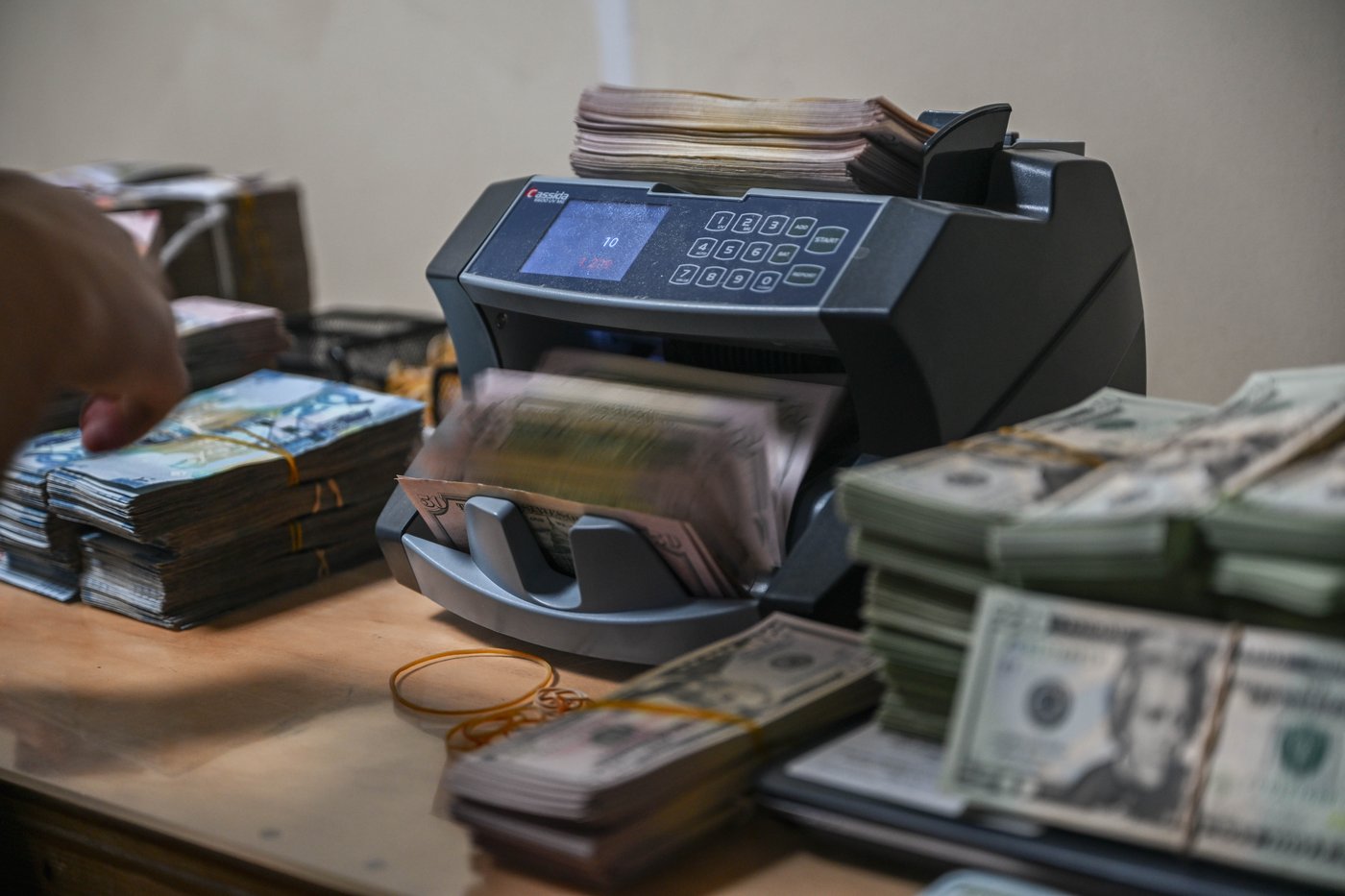
How Dual CIS Sensors Scan Banknotes at 1,200 Bills Per Minute
Modern commercial currency discriminators don't just count leaves of paper; they perform high-speed forensic optical scanning. As each note flies past the transport track at 1,200 notes per minute, dual Contact Image Sensors (CIS) photograph both sides of the bill under white, infrared (IR), and ultraviolet (UV) illumination.
Simultaneously, magnetic reading heads scan for ferromagnetic inks, and thickness sensors calculate whether two bills are stuck together. If any parameter deviates by even 4% from the pre-programmed currency library table, the bill is routed instantly to the reject stacker.
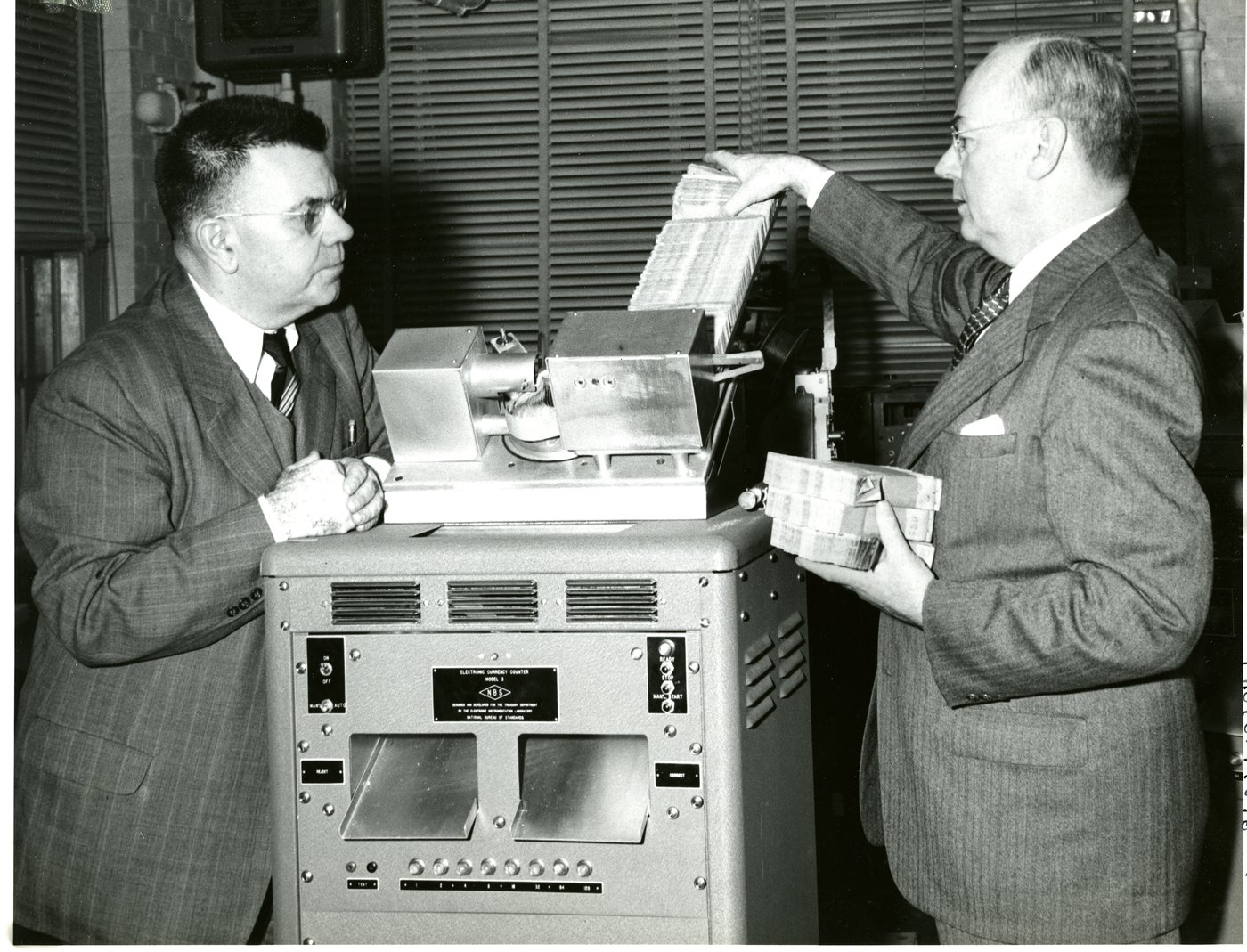
1. The Dust Blindness Effect on CIS Glass
Banknotes are magnetic sponges for atmospheric dirt, lint fibers, and human skin oils. As bills race across the transport path, friction generates electrostatic charges that pull particulate dust directly onto the narrow optical glass windows covering the CIS linear camera arrays.
When dust builds up, the sensor reads dark vertical streaks across the banknote image. The recognition algorithm compares this altered scan against the stored Bank of Canada or Federal Reserve template and fails the note for incomplete optical pattern matching.
Technician Procedure: Flip open the rear or clamshell top cover. Use a high-density microfiber cloth moistened with pure 99% anhydrous isopropanol to clean both upper and lower CIS glass strips. Never use glass cleaner (Windex); ammonia leaves an oily surfactant residue that bakes cloudy under infrared LEDs.
2. The Micrometric Feed Thickness Dial Adjustment
Look at the rear or top of your counter near the input hopper. You will see a small slotted screw knob or knurled thumb dial known as the hopper thickness adjustment.
This dial moves the rubber resistance feed pad closer to or farther from the central feed rollers by hundredths of a millimeter:
If the gap is too narrow: Bills struggle to pull through, feeding at an angle and causing severe skew and 'HALF NOTE' errors.
If the gap is too wide: Two bills enter the track simultaneously, triggering 'DOUBLE NOTE (DBL)' or 'CHAIN FEED' stops.
Field Tuning: Take a single crisp genuine bill. Slide it between the stationary rubber pad and the roller. You should feel slight friction drag (like pulling paper through a closed book). If it falls through with zero resistance, turn the dial clockwise 1/4 turn.
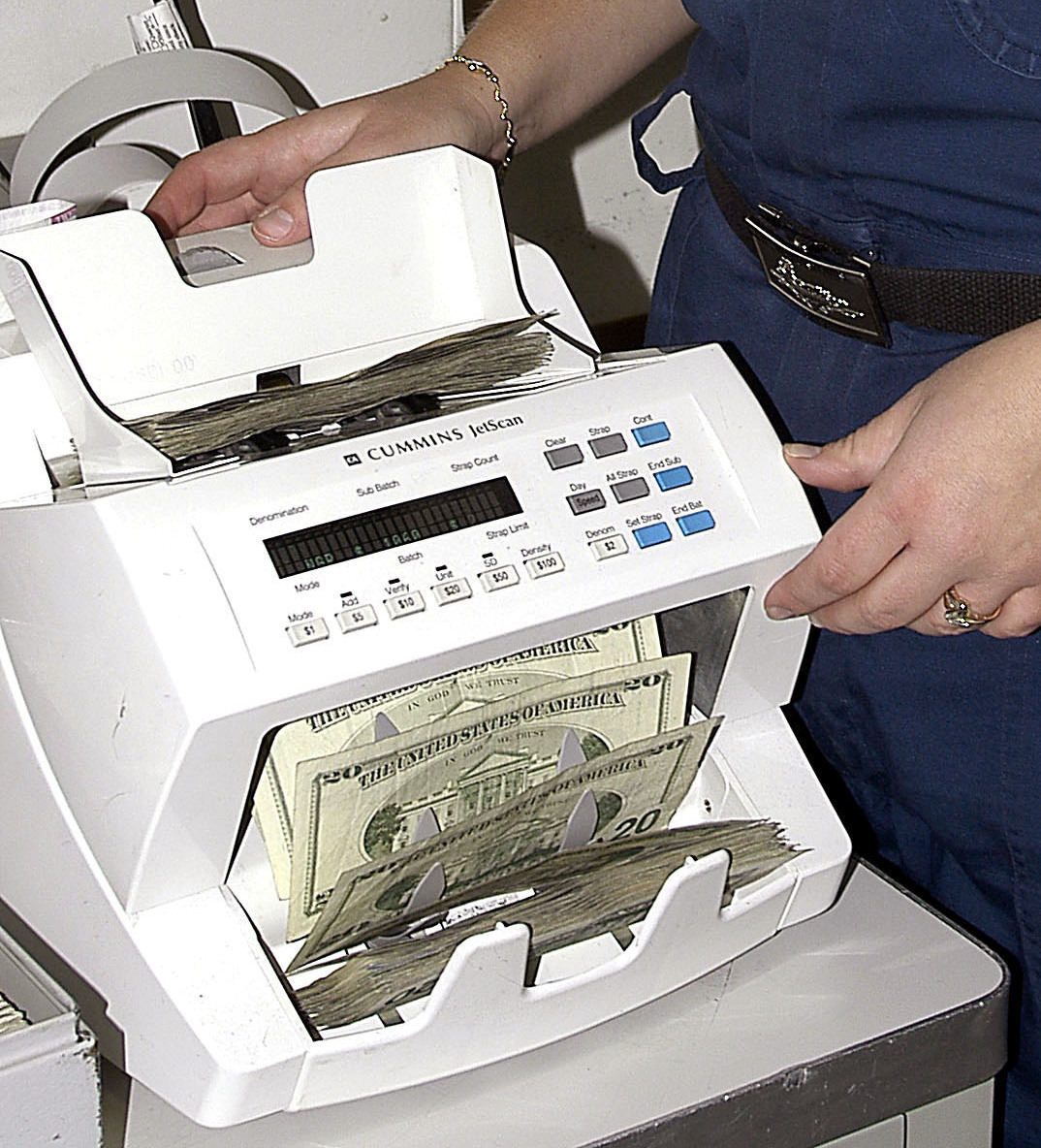
3. Glazed Rubber Pick-Up Rollers
The friction rollers in the input hopper are made of high-tack silicone rubber. Over hundreds of thousands of bill feeds, ink lubricants and static dust fill the microscopic pores of the rubber, turning the soft tacky rollers into rock-hard, slick plastic.
The rollers slip against slippery polymer banknotes, creating feeding hesitation. Technicians use rubber roller rejuvenator solvent or fine 400-grit emery tape to scuff off the oxidized outer glaze, restoring factory feeding grip.
4. Executing White Balance Calibration Mode
After deep cleaning CIS sensors, high-end discriminators require an electronic white balance calibration. Technicians insert a certified optical white calibration sheet into the hopper and run the diagnostic routine. The machine recalibrates voltage gain across all 3,000 photo-diodes, ensuring 100% genuine bill recognition accuracy.
Specialized Cash Handling Engineering Across Greater Victoria
West Coast Wrench provides factory-grade maintenance, optical calibration, firmware updates, and roller rebuilds for commercial currency discriminators and teller cash recyclers across Southern Vancouver Island.